
Install Leaf Link service
Add Leaf Link service to your phone for quick access.
Install on Android
- Open this page in Chrome.
- Tap Install Leaf Link service. Confirm the browser’s Install prompt.
- If no prompt appears, open Chrome’s ⋮ menu and choose Add to Home screen or Install app.
Add to your iPhone
- Open this page in Safari.
- Tap Share (it may be inside the page menu).
- Choose Add to Home Screen, keep Open as Web App on if shown, then tap Add.
Install on a computer
Use Chrome or Edge and click Install Leaf Link service, or choose the browser’s install option in its menu/address bar.
To install on a phone, scan the QR code below with the phone’s camera.
Your phone or browser must confirm installation. Internet is required to sign in, save details and submit requests. Installing does not create an account or enable registration.
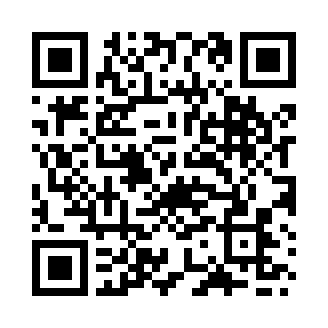
Installation is free. This adds the Leaf Link web app to your home screen.